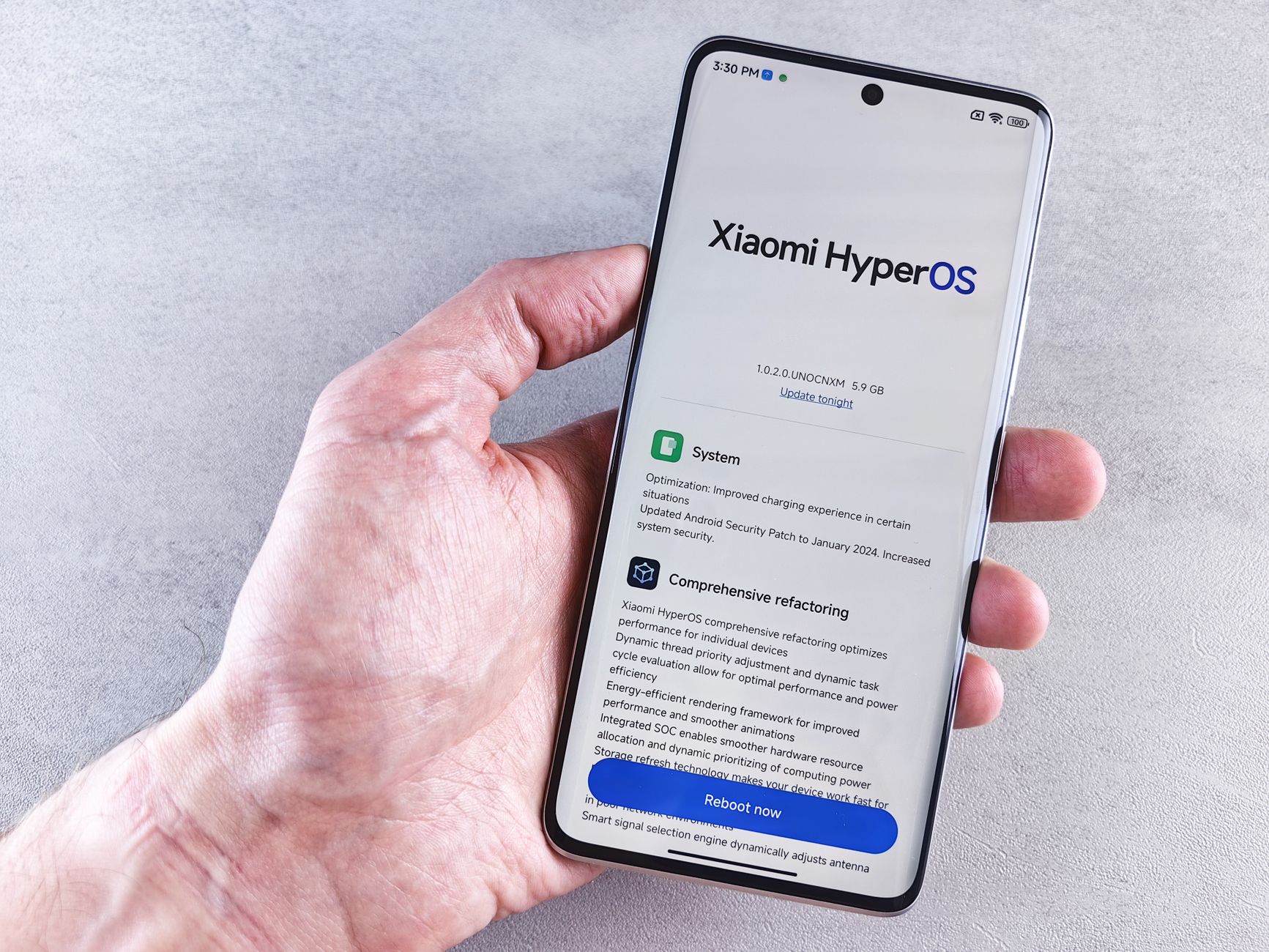
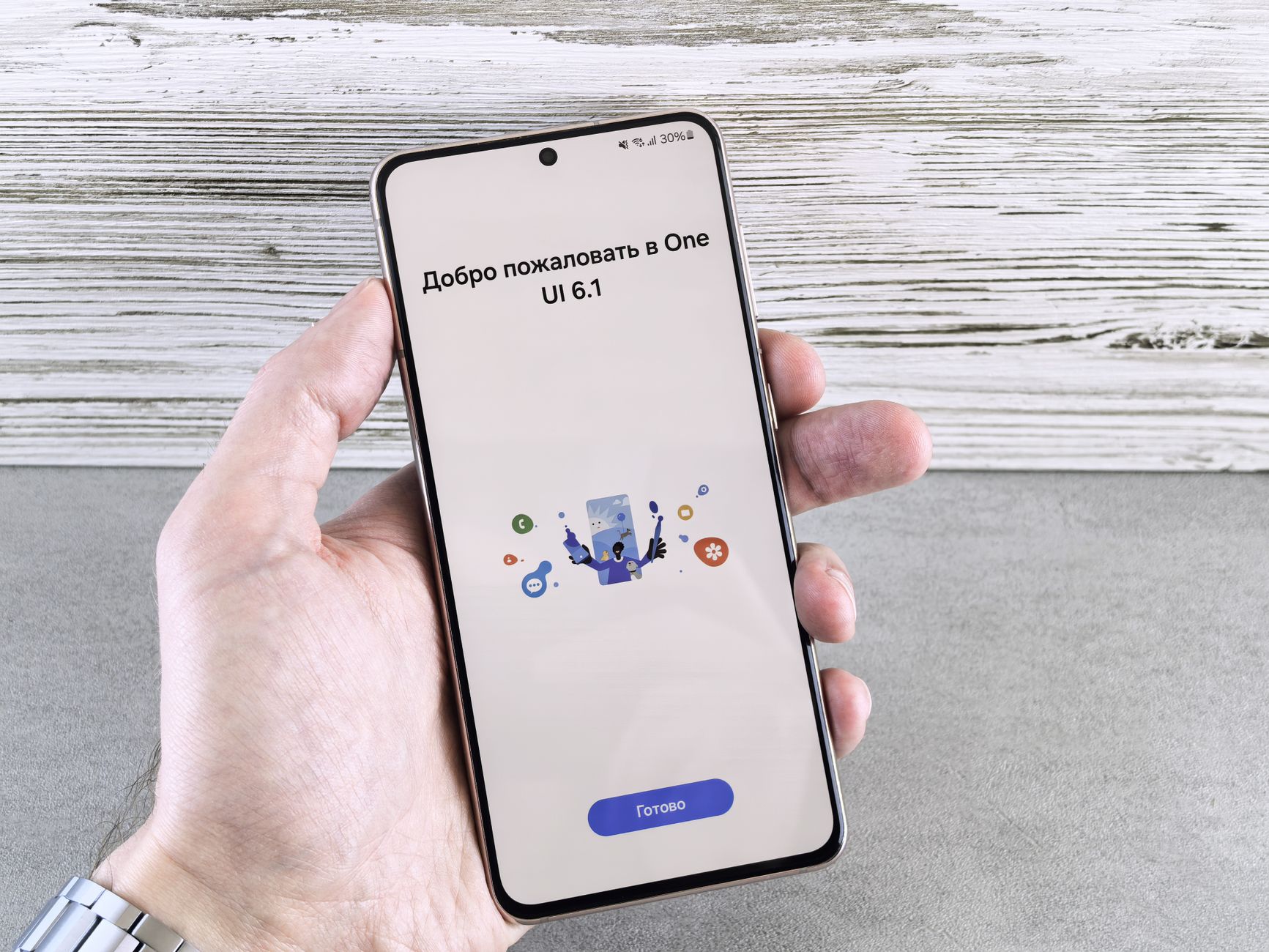
Samsung One UI 9.0 brings exciting updates for Galaxy phone users. In this article, we will explore the eligibility of your device and highlight key improvements.
What’s New in Samsung One UI 9.0?
The latest update, Samsung One UI 9.0, brings a variety of enhancements and features aimed at improving user experience across Galaxy devices. Here’s what you can expect from this exciting update:
- Refined User Interface: The overall design has been streamlined, offering a more modern aesthetic that aligns with user preferences.
- Enhanced AI Features: Samsung has integrated advanced AI capabilities that allow for smarter photo editing and improved app suggestions based on usage patterns.
- Quick Panel Changes: The Quick Panel has been optimized for easier access to settings and notifications, making it simpler to navigate through essential functions.
- Improved Performance: Users can expect smoother multitasking and faster app launches due to system optimizations.
- Privacy Enhancements: New privacy features have been added to give users more control over their data and app permissions.
With these updates, Samsung One UI 9.0 aims to deliver a more personalized and efficient smartphone experience. This update is anticipated to be a significant upgrade for many Galaxy users, making it worthwhile to check if your device is eligible for the new features.
How to Check Your Galaxy Phone’s Eligibility
As Samsung rolls out the One UI 9.0 update, many users are eager to find out if their Galaxy phones are eligible for this latest version. Checking your device’s eligibility is a straightforward process. Here’s how you can do it:
- Open Settings: Start by unlocking your Galaxy phone and navigating to the Settings app.
- Scroll to Software Update: Once in Settings, scroll down and tap on the Software Update option.
- Check for Updates: Here, you will see an option to Download and install. Tap on it to check if the One UI 9.0 update is available for your device.
If your phone is eligible, you will be prompted to start the installation process. If not, you might see a message indicating your current software version is up to date, which means your device may not support the new features of One UI 9.0.
Additionally, you can visit the Samsung website or consult user forums for a list of supported models. This will give you a clearer idea of whether your Galaxy phone will receive the update.
Key AI Improvements in One UI 9.0
The latest iteration, Samsung One UI 9.0, brings a host of innovative AI enhancements designed to improve user experience significantly. These improvements are aimed at making everyday tasks more efficient and personalized.
One of the standout features of One UI 9.0 is its enhanced smart suggestions. The AI can now analyze user behavior and contexts to offer tailored recommendations, whether it’s suggesting the best time to charge your phone based on your usage patterns or proposing actions based on your most-used apps.
Moreover, the camera functionality has seen a remarkable boost. With advanced scene recognition powered by AI, users can capture stunning photos without needing to adjust settings manually. The camera app now identifies subjects and optimizes settings automatically, enhancing the overall photography experience.
In addition, the integration of AI in the Quick Panel allows for more intuitive controls. Users can quickly toggle settings based on their habits, which makes navigation seamless and efficient.
Overall, Samsung One UI 9.0 promises to elevate the smartphone experience through these AI advancements, making it an enticing update for users looking to get more from their devices.
Changes to the Quick Panel Explained
The Samsung One UI 9.0 update introduces several notable changes to the Quick Panel, enhancing user experience and accessibility. Users can now enjoy a more streamlined interface that allows for quicker access to essential settings and features.
Here are the key changes to the Quick Panel in Samsung One UI 9.0:
- Redesigned Layout: The Quick Panel has been visually updated with a cleaner layout, making it easier to navigate through options.
- New Icons: Samsung has introduced new icons that are more intuitive, helping users identify functions at a glance.
- Improved Toggles: The toggles for Wi-Fi, Bluetooth, and other features are now larger and easier to interact with, improving usability.
- Customizable Shortcuts: Users can personalize their Quick Panel by rearranging or adding shortcuts to frequently used settings, tailoring the experience to their needs.
- Enhanced Notifications: Notifications are now more interactive, allowing users to respond directly from the Quick Panel without opening individual apps.
These enhancements in Samsung One UI 9.0 aim to provide a more efficient and user-friendly experience, making it one of the most significant updates for Galaxy phone users.
Step-by-Step Guide to Download One UI 9.0
If you’re eager to experience the latest features of Samsung One UI 9.0, downloading the update is a straightforward process. Follow this step-by-step guide to ensure a smooth installation on your compatible Galaxy device.
- Step 1: Backup Your Data – Before starting the update, it’s essential to back up your important files and data. You can use Samsung Cloud or another backup service of your choice.
- Step 2: Check for Updates – Go to Settings > Software update > Download and install. Your device will check for the latest updates available.
- Step 3: Download the Update – If Samsung One UI 9.0 is available for your device, tap Download. Make sure you are connected to Wi-Fi, as the update files can be large.
- Step 4: Install the Update – Once the download is complete, tap Install. Your phone will restart, and the installation process will begin.
- Step 5: Complete the Setup – After installation, follow any on-screen instructions to set up your device. Enjoy the new features and enhancements that come with Samsung One UI 9.0!
User Feedback on One UI 9.0
User feedback on Samsung One UI 9.0 has been overwhelmingly positive, with many users praising the enhanced features and overall performance of the update. Early adopters have noted significant improvements in the user interface, which now feels more intuitive and responsive.
Several users highlighted the following aspects:
- Customization Options: Many appreciate the expanded customization settings that allow for greater personal expression in their device’s appearance.
- Performance: The update has reportedly improved app loading times and system stability, making everyday tasks smoother.
- AI Features: Users have expressed excitement over the new AI enhancements, which streamline user interactions and optimize battery usage.
- Quick Panel Design: The redesigned Quick Panel has received positive remarks for its accessibility and ease of use, allowing users to manage settings more efficiently.
However, some feedback has pointed out minor bugs that users encountered immediately after the update. Despite these small issues, the community remains optimistic that future patches will address them quickly.
Overall, the sentiment surrounding Samsung One UI 9.0 suggests that it is shaping up to be a worthwhile update for Galaxy phone users looking to enhance their mobile experience.
Comparison with Previous One UI Versions
When evaluating the Samsung One UI 9.0 update, it is essential to consider how it compares to previous versions. Each iteration of One UI has brought significant enhancements, and version 9.0 appears to build on this trend.
One of the most noticeable shifts in One UI 9.0 is its refined user interface, which emphasizes usability and accessibility. Users have reported that the overall design feels more cohesive compared to earlier versions, offering a smoother experience when navigating through apps and settings.
Here are some critical differences between One UI 9.0 and its predecessors:
- Performance Enhancements: One UI 9.0 introduces optimizations that improve app loading times and reduce battery consumption, making it more efficient than One UI 8.0.
- User Customization: New options for personalization in One UI 9.0 allow users to tailor their devices more than ever, enhancing the experience compared to One UI 7.0.
- AI Integration: The use of artificial intelligence in One UI 9.0 is more prominent, providing smarter suggestions and making everyday tasks easier than in earlier versions.
Overall, Samsung One UI 9.0 stands out as a significant upgrade, presenting features that elevate the user experience beyond what previous versions could offer.
Future Updates and What to Expect
As Samsung continues to refine its smartphone software, future updates following the Samsung One UI 9.0 are highly anticipated. With each iteration, the company aims to enhance user experience and integrate advanced features that cater to evolving consumer needs.
In the coming months, users can expect:
- Performance Enhancements: Further optimizations to ensure smoother operation and better battery management across devices.
- New Features: Introduction of innovative tools and functionalities that leverage the latest advancements in AI and machine learning.
- Customization Options: Expanded themes, wallpapers, and customization settings to allow users to personalize their devices even more.
- Security Updates: Regular patches and updates to improve device security and protect user information.
- Expanded Device Support: Additional Galaxy models may receive the Samsung One UI 9.0 update, ensuring more users can benefit from the latest features.
Samsung’s commitment to its devices suggests that Samsung One UI 9.0 will be the foundation for even more significant enhancements in the future. As users provide feedback, the company is likely to adjust its roadmap and prioritize features that resonate most with its community.
Photo by Andrey Matveev on Pexels