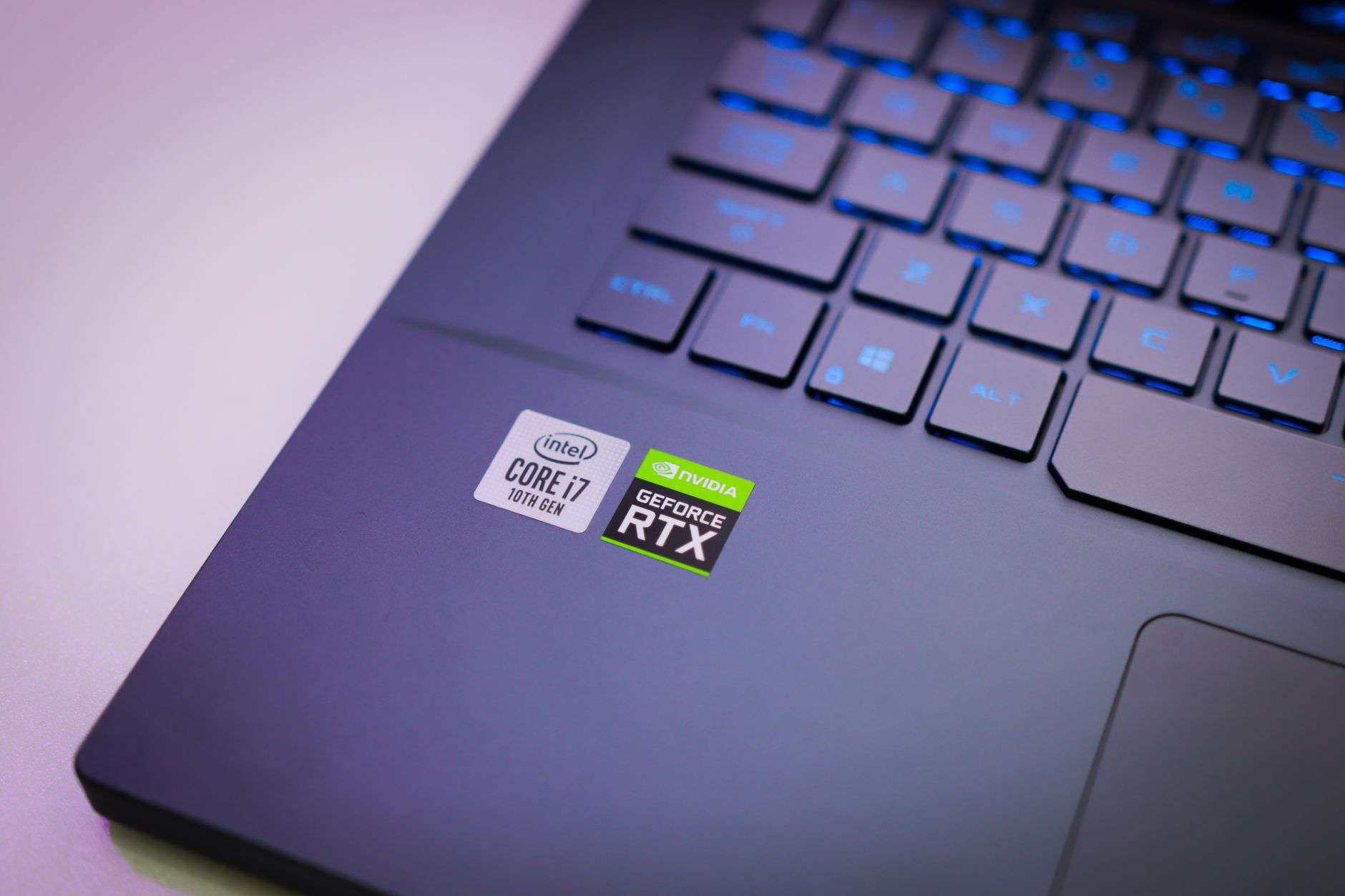
Android apps run poorly on Intel Googlebooks, as Google admits some complex applications face performance challenges. Users are experiencing slowdowns and crashes, raising concerns about compatibility.
Understanding the Performance Issues
Recent discussions surrounding Android apps have highlighted a significant concern: many of them run poorly, especially those deemed ‘complex’. Google’s acknowledgment of this issue has opened the floor to examining the underlying factors contributing to these performance challenges.
Several elements are known to affect the efficiency of Android applications:
- Hardware Limitations: Certain devices may not possess the necessary specifications to support complex apps effectively.
- Optimization Issues: Developers often struggle to optimize their applications for a wide range of devices, leading to inconsistent performance.
- Software Fragmentation: The diversity of Android versions and custom interfaces can cause compatibility issues that hinder app performance.
- Resource Management: Applications that demand high processing power can lead to slowdowns, especially on lower-end devices.
As a result, users frequently experience lag and unresponsive interfaces, which detracts from the overall experience. The situation has prompted both developers and Google to seek solutions to improve the performance of Android apps, ensuring they can cater to a wider audience without compromising quality. Addressing these challenges is essential to enhancing user satisfaction and maintaining the platform’s reputation.
What Google Says About Compatibility
In a recent statement, Google addressed the ongoing concerns regarding the performance of Android apps on various devices. The tech giant acknowledged that certain complex Android apps run poorly, particularly when executed on Intel processors. This admission sheds light on the compatibility issues developers face when optimizing their applications for different hardware configurations.
According to Google, the discrepancies arise mainly from the differences in architecture between ARM and Intel chips. As a result, developers may need to invest additional time and resources to ensure their applications function smoothly across all platforms. This situation is particularly troubling for users who rely on specific apps for daily tasks.
Google provided a list of recommendations for developers to enhance compatibility:
- Optimize code: Streamlining the code can significantly improve performance.
- Conduct thorough testing: Testing apps on multiple devices helps identify performance issues early.
- Utilize Android’s native libraries: Leveraging built-in libraries can ensure better integration with the operating system.
- Stay updated: Regularly updating apps can fix bugs that lead to poor performance.
As users continue to experience issues, the spotlight remains on developers to enhance the performance of Android apps across all platforms.
User Experiences with Android Apps
Users have increasingly reported that Android apps run poorly on various devices, leading to frustration and dissatisfaction. Many have taken to online forums and social media to share their experiences, highlighting several key issues.
- Slow Performance: A significant number of users have noted that certain applications lag or freeze, especially when multitasking or using resource-intensive features.
- Incompatibility Problems: Some apps do not function as intended on specific devices or Android versions, causing users to encounter crashes or missing features.
- Battery Drain: Users have expressed concern over excessive battery consumption when using certain Android apps, which can lead to a diminished overall experience.
- Frequent Updates: Many have pointed out that constant updates are necessary to keep apps running smoothly, which can be inconvenient and time-consuming.
As feedback continues to roll in, it becomes clear that these performance issues not only affect user satisfaction but also hinder the overall reputation of the Android platform. The call for solutions is growing louder among users and developers alike.
Possible Solutions for Better Performance
While it is clear that some Android apps run poorly on certain devices, there are several possible solutions that users and developers can consider to improve performance.
- Update Your Device: Regular software updates from manufacturers can help enhance compatibility and fix bugs that may lead to poor app performance.
- Optimize App Settings: Users can often adjust settings within apps to reduce resource usage, potentially leading to smoother operation.
- Clear Cache: Clearing the cache of poorly performing apps can free up memory and resolve issues related to outdated data.
- Uninstall Unused Apps: Reducing the number of installed apps can free up system resources, helping the remaining apps run better.
- Seek Alternatives: If certain apps consistently run poorly, users might explore similar applications that are optimized for their device’s architecture.
- Contact Developers: Providing feedback to app developers about performance issues can lead to updates or fixes in future versions.
By implementing these strategies, users may find that their overall experience with Android apps improves, despite existing performance challenges.
Future of Android on Intel Devices
The future of Android on Intel devices remains uncertain as developers and users alike grapple with performance challenges. Many are concerned that Android apps run poorly on these systems, leading to a growing demand for optimized solutions.
As Intel continues to innovate in hardware technology, the software ecosystem must adapt accordingly. Key areas of focus include:
- Improved Compatibility: Ongoing collaboration between Intel and Google aims to enhance compatibility for Android apps, ensuring smoother performance across devices.
- Developer Support: Encouraging developers to optimize their applications for Intel architecture is crucial. This includes providing resources and tools tailored to address performance issues.
- Community Feedback: Engaging with users who experience performance problems can lead to better insights and solutions, helping to bridge the gap between hardware capabilities and software requirements.
- Regular Updates: Both Google and Intel must commit to regular updates that address bugs and performance issues, thereby improving the overall user experience.
While the current state of Android apps run poorly on Intel devices raises concerns, the combined efforts of industry leaders and the developer community can pave the way for a more efficient and user-friendly future.
Many users have reported that Android apps run poorly, leading to frustration and decreased productivity. Understanding the common factors that contribute to why Android apps run poorly can help developers create more efficient applications.